

Search Ads Manager
Our Apple Ads Manager utilizes Apple's API along with our technologies to supercharge Apple Ads management. SAM introduces bulk actions, custom automations, improved analytics, MMP integrations and more in order to maximize your Apple Ads results.
UI & Functionality
We've created SAM to improve the Apple Ads management experience. Adding bulk actions, better charting, and more to make managing Apple Ads campaigns easier.
Rules & Automations
Supercharge Apple Ads campaigns with automated actions. Make campaign, ad group and keyword modifications based on goals or MMP performance.
Automated Reporting
Get Search Ads reports delivered right to your inbox or Slack channels with SAM. Get daily or weekly updates on spend, CPA, ROI & more.
Our Search Ads Manager features
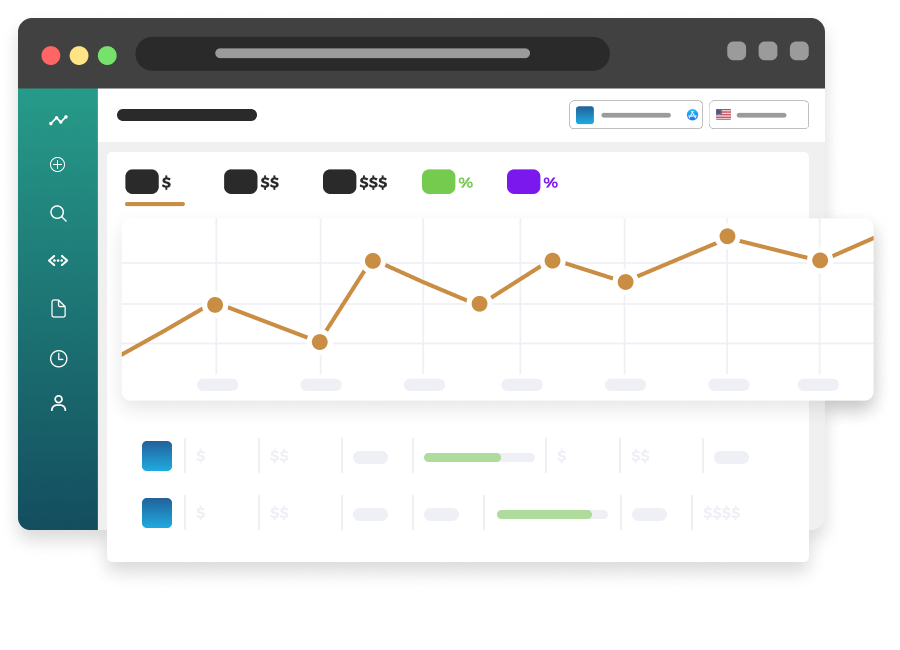
Data Clarity & Visibility
Our UI is largely focused on graphical representations of data and making sure the most important KPIs are easily visible. With improved charting, and easier navigation, SAM makes managing Apple Ads campaigns easier and clearer than ever before.
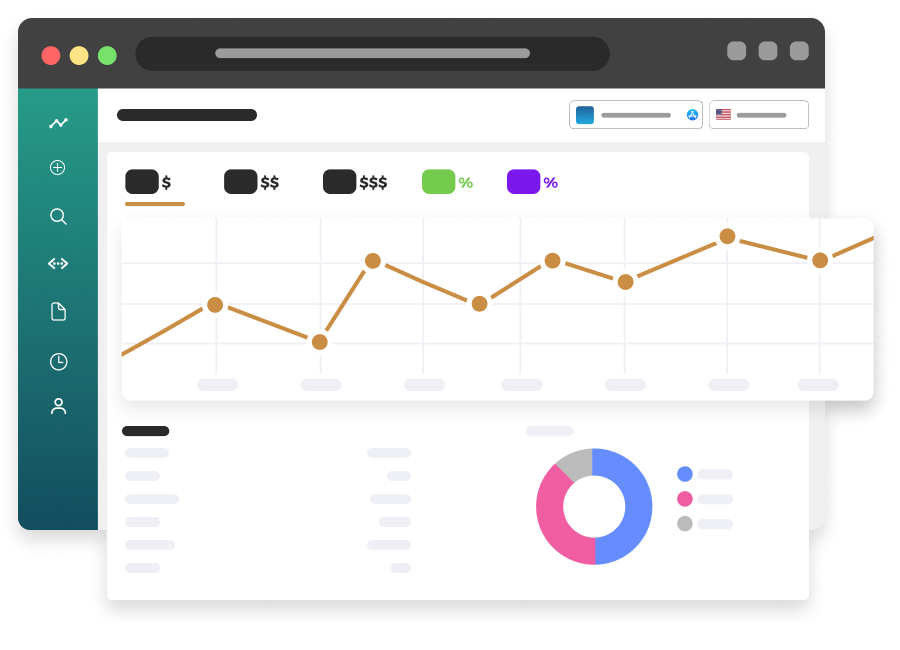
Detailed Reporting
SAM provides detailed reporting on all aspects of your Apple Ads campaigns. Clear metrics and graphs make it easy to understand spend, CPA, MMP ROI, and more. Get reports delivered to your inbox or Slack channels daily or weekly.
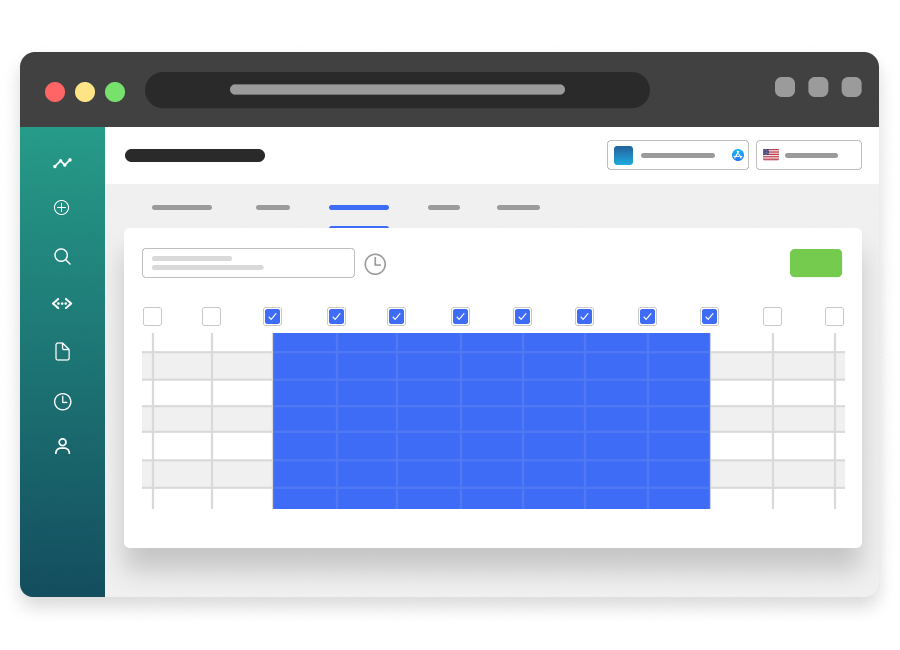
AI Automations & Scheduling
SAM allows you to create automations to make managing Apple Ads campaigns easier. Create automations based on KPIs, and have SAM automatically make changes based on performance. Schedule automations to run at specific times, or have our AI run continuously.
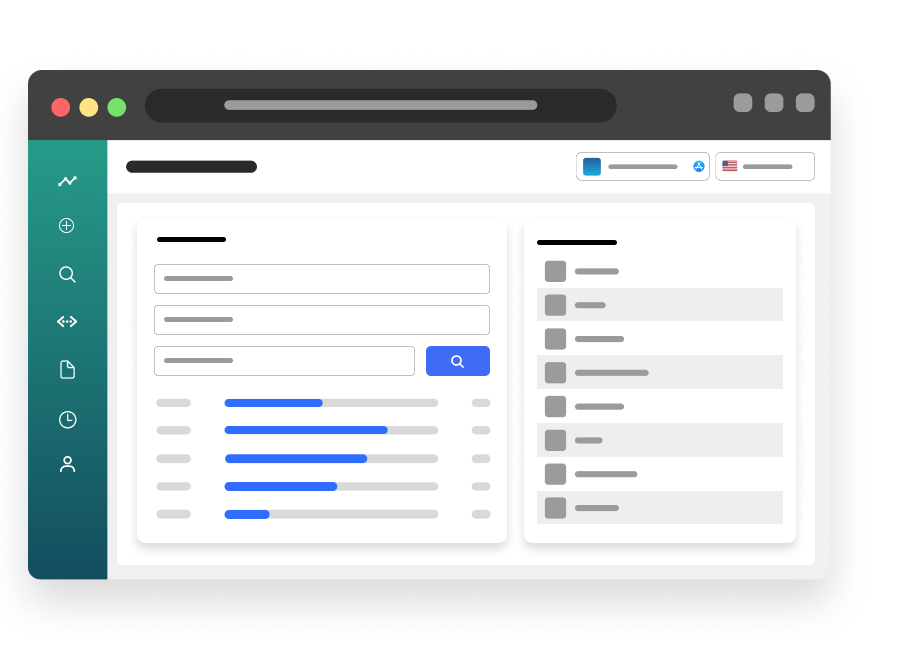
Campaign-Specific Keyword Recommendations
SAM provides keyword recommendations based on your app's metadata and the performance of your Apple Ads campaigns. Get recommendations for new keywords to add to your campaigns, and keywords to remove from your campaigns.
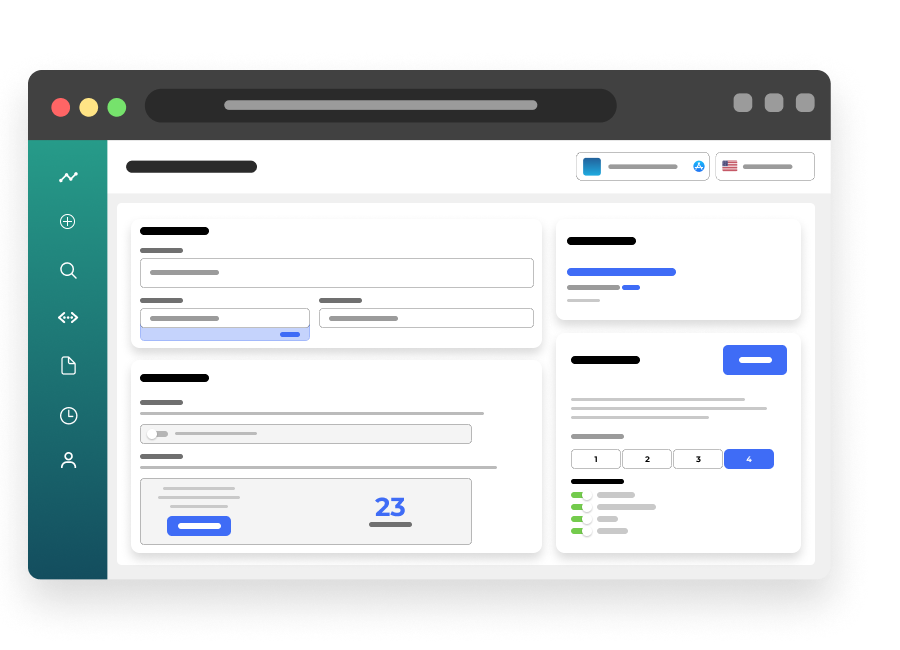
Bulk Actions
Easily create multiple campaigns and ad groups with a single click. SAM's bulk actions save time and effort when creating new campaigns and ad groups. Bulk actions also allow you to pause, enable, or adjust bids for multiple campaigns or ad groups at once.
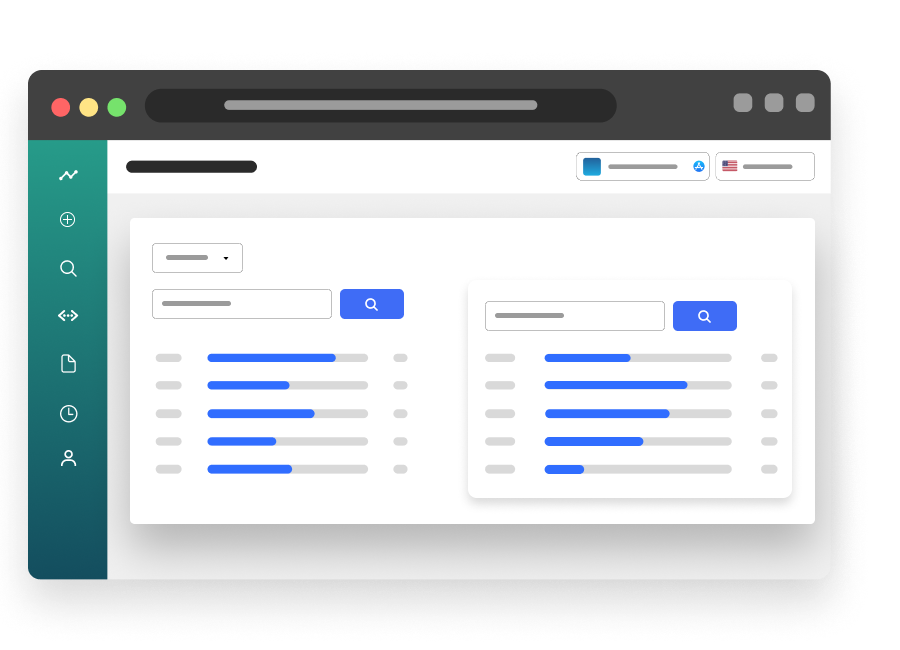
Keyword Research Tools
SAM provides keyword research tools to help you find the best keywords for your Apple Ads campaigns. Get keyword suggestions based on your app's metadata, and see the performance of those keywords in your campaigns.
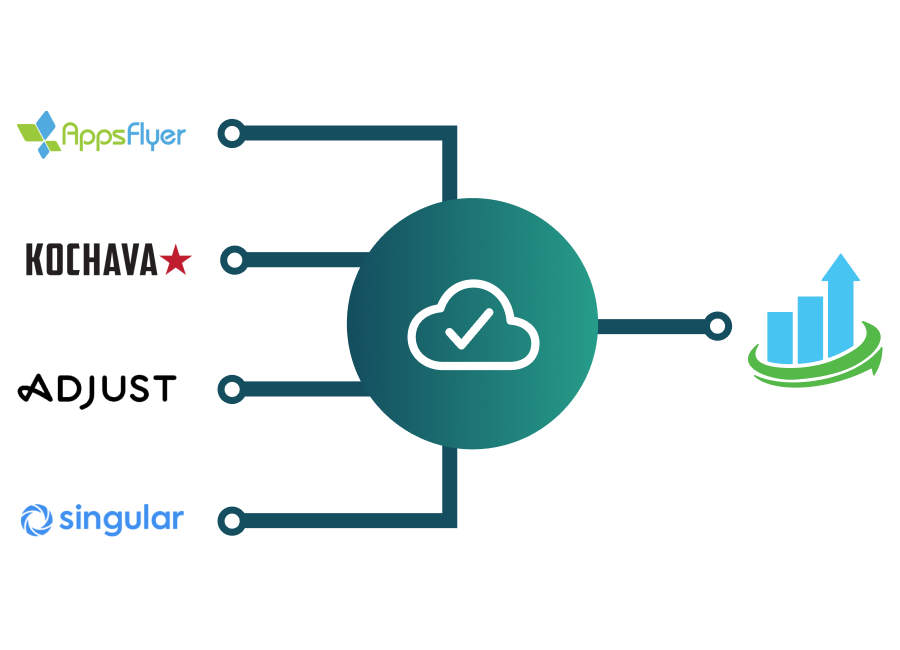
MMP Integrations
Connect your MMP to SAM to get MMP-specific metrics, automations and KPIs. SAM will automatically calculate MMP ROI, and provide metrics like ROAS, LTV, and more. Don't use a MMP? Ask about our custom integrations using the Apple Attribution API.
Top features
...and many more features included.
Measure installs & revenue with our iOS SDK
A lightweight Swift package that connects your app's installs, purchases and custom events to the Apple Ads campaigns that drove them — reported straight into Search Ads Manager. Privacy-friendly by design: no IDFA, no ATT prompt.
Install attribution
On first launch the SDK securely captures Apple's attribution token, matching every install back to the campaign, ad group and keyword that produced it.
Purchases & subscriptions
Verified StoreKit 2 transactions — including renewals, cross-device purchases and Ask-to-Buy approvals — are reported as revenue with duplicates filtered automatically.
Custom events & revenue
Trials started, onboarding completed, qualified leads — log any named event or revenue amount and measure it against campaign performance.
No IDFA, no ATT prompt
Apple's attribution token works without any user-facing permission dialog, and an embedded privacy manifest ships with the SDK.
Offline-safe delivery
Events are stored on-device and delivered in batches, so nothing is lost if the user is offline or the app is terminated.
Your user IDs
Attach your own customer user ID to join SDK data with your internal analytics, and honor opt-outs with a single call.
iOS 15.0+ · Swift Package Manager · integrate in under 15 minutes.
Want access?
All of our clients get unlimited access to our in-house tools.