
Custom product pages let you show different versions of your App Store listing to different audiences. Each version can have its own screenshots, preview videos and promotional text, and its own URL. Used well, they show each visitor the reason they came, so more of them download. See Apple's custom product pages overview.
What can you change on a custom product page?
You can change the screenshots, app previews and promotional text. Your app name, subtitle, icon and description stay the same as on the default page. Apple reviews each custom product page before it goes live. Check the current limits in App Store Connect help, because Apple has raised them over time.
Can custom product pages appear in organic search?
Yes. Apple now lets you assign keywords to a custom product page, so that page can appear in organic App Store search results for those terms instead of your default page. This turns custom product pages from a paid-traffic tool into an ASO tool too. Match each page's screenshots to the intent behind its keywords.
How do custom product pages work with Apple Ads?
In Apple Ads, you can point an ad group at a specific custom product page. A "budget" keyword ad group can land on screenshots about saving money, and a "teams" ad group on screenshots about sharing. The search term, the ad and the page all match, which usually helps conversion. Learn more in our Apple Ads agency guide.
How do you plan a set of custom product pages?
- Group your audiences by what they want: a feature, a use case, a season or a campaign.
- Start with the biggest groups, the ones with the most search volume or ad spend.
- Lead with the need. The first two or three screenshots should answer that audience's question right away.
- Keep the brand consistent so every page still clearly looks like your app.
How do you measure custom product page results?
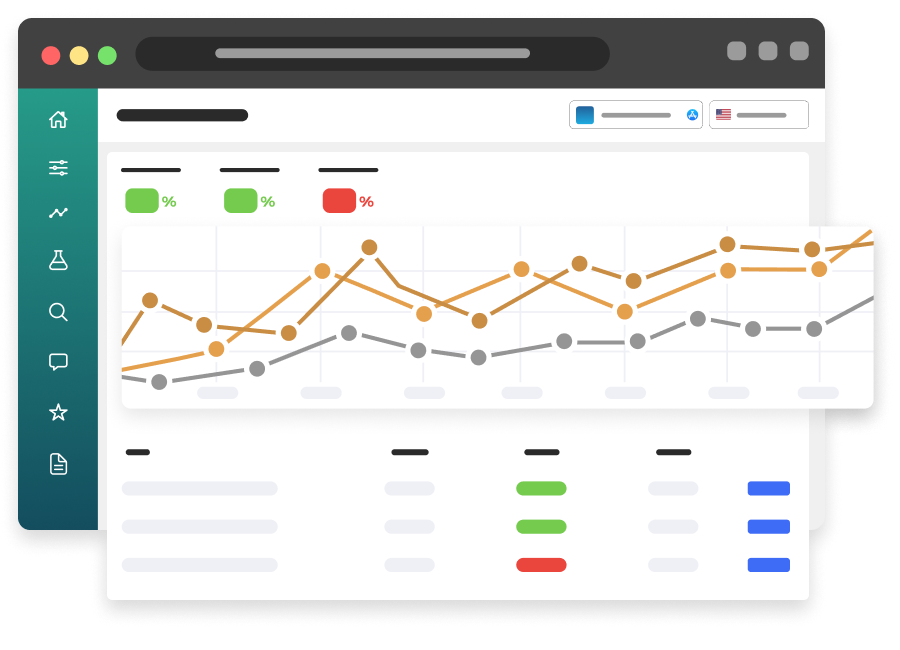
App Store Connect reports impressions, downloads and conversion rate for each custom product page. Apple defines conversion rate as total downloads divided by unique impressions. Compare each page against your default page with similar traffic. Pages that don't beat the default should be reworked or retired.
Custom product pages vs product page optimization: what's the difference?
Product page optimization tests different versions of your default page against each other. Custom product pages are separate pages for separate audiences. Use product page optimization to improve the page everyone sees. Use custom product pages to tailor the page for specific searches and campaigns. See our conversion rate guide.